Set your goal
In the Tesla app, prioritize savings or solar self-consumption. Set Backup Reserve so a slice of the battery stays ready for outages.
Tesla Home
Tesla Home is Tesla’s home energy management system. It ships standard with every Powerwall and is powered by Opticaster, Tesla’s AI optimization software. DES installs and commissions the hardware so Tesla Home can run—we did not build Tesla Home or Opticaster.
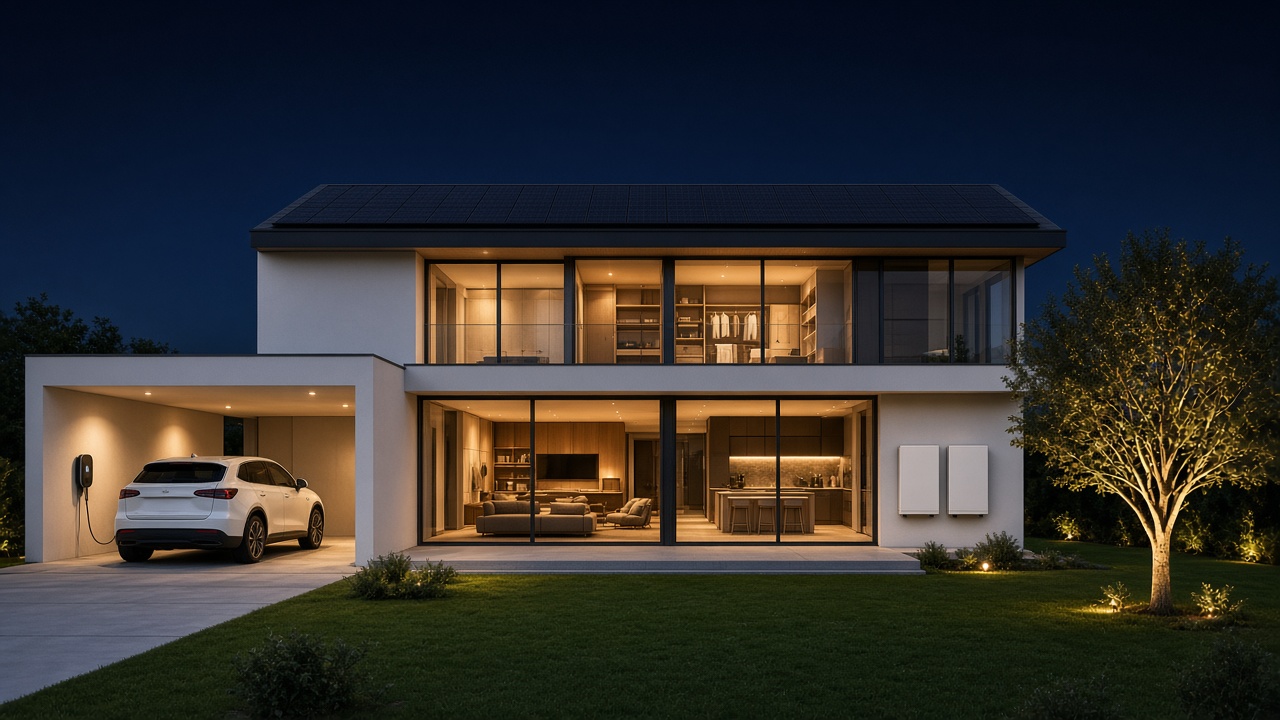
A whole-home Tesla energy system: Solar Roof, Powerwall storage, and Wall Connector charging. DES is a Tesla Certified Installer of these products.
Standard with Powerwall
Tesla Home comes standard in every Powerwall. When DES commissions your system, the Tesla app is part of closeout—not a separate product sale.
In the Tesla app, prioritize savings or solar self-consumption. Set Backup Reserve so a slice of the battery stays ready for outages.
Opticaster analyzes household usage, solar production, and utility prices, then times charging and discharge around that goal.
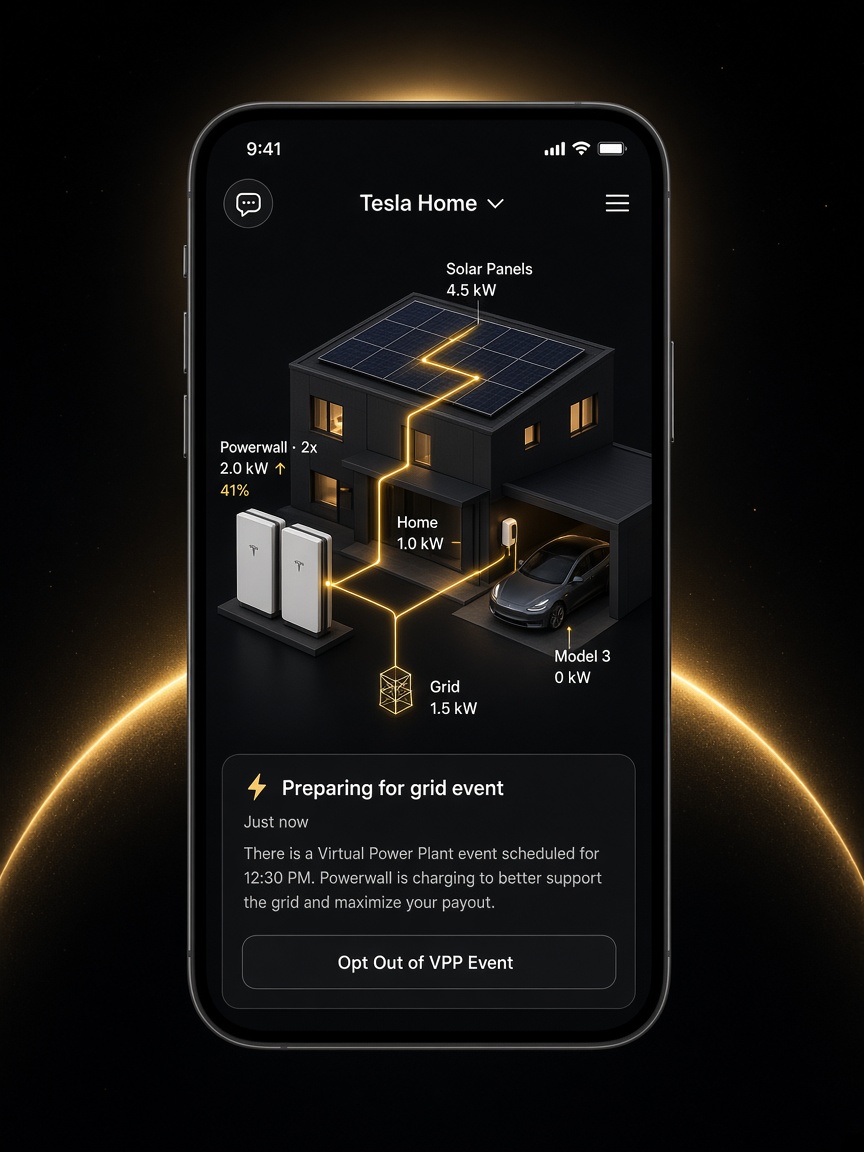
See the day as it unfolds—solar, battery, home load, grid, and the car. Change preferences anytime without a truck roll.
Live in the Tesla app
Tesla Home shows solar, home load, Powerwall, grid, and the vehicle as one picture. That app is Tesla’s—not a DES product. DES’s job is a Powerwall install that actually comes online in Tesla Home.
Where Tesla and the local utility offer a program, Powerwall owners can participate in Virtual Power Plant events in Tesla Home. The app can prepare for a grid event—charging the battery to support the grid and maximize payout—and you can opt out from Home Status. DES installs the system that enables this. Tesla operates Tesla Home, Opticaster, and VPP.
Opticaster
Tesla’s AI optimization software predicts what the home will need, works to lower bills, and improves as it learns your patterns. It is Tesla software running on Tesla hardware. DES’s job is a correct install, a live system, and a clean handoff into the app.
A live picture of production, storage, and consumption so you are not guessing what the system is doing.
Manage connected loads such as smart breakers and EV chargers from the same place you watch the battery.
History and patterns that make the next setting change an informed one—not a guess at the panel.
Vehicles
Send surplus solar into the car when the roof is producing, instead of buying daytime grid power for the driveway.
When solar is not enough, Opticaster can target cheaper utility windows so the vehicle still fills at a better rate.
Quote
Powerwall, solar, Wall Connector, or a combination. Tesla Home and Opticaster are Tesla’s software. Our work is the certified install and commissioning.