Backup when the grid drops
Keep essential loads—or the whole home—running through outages with automatic islanding and a defined backup panel or gateway.
Tesla Powerwall
Store energy. Cover outages. Use more of the solar you already paid for. Tesla Home ships with every Powerwall. DES installs the hardware as a Tesla Certified Installer.
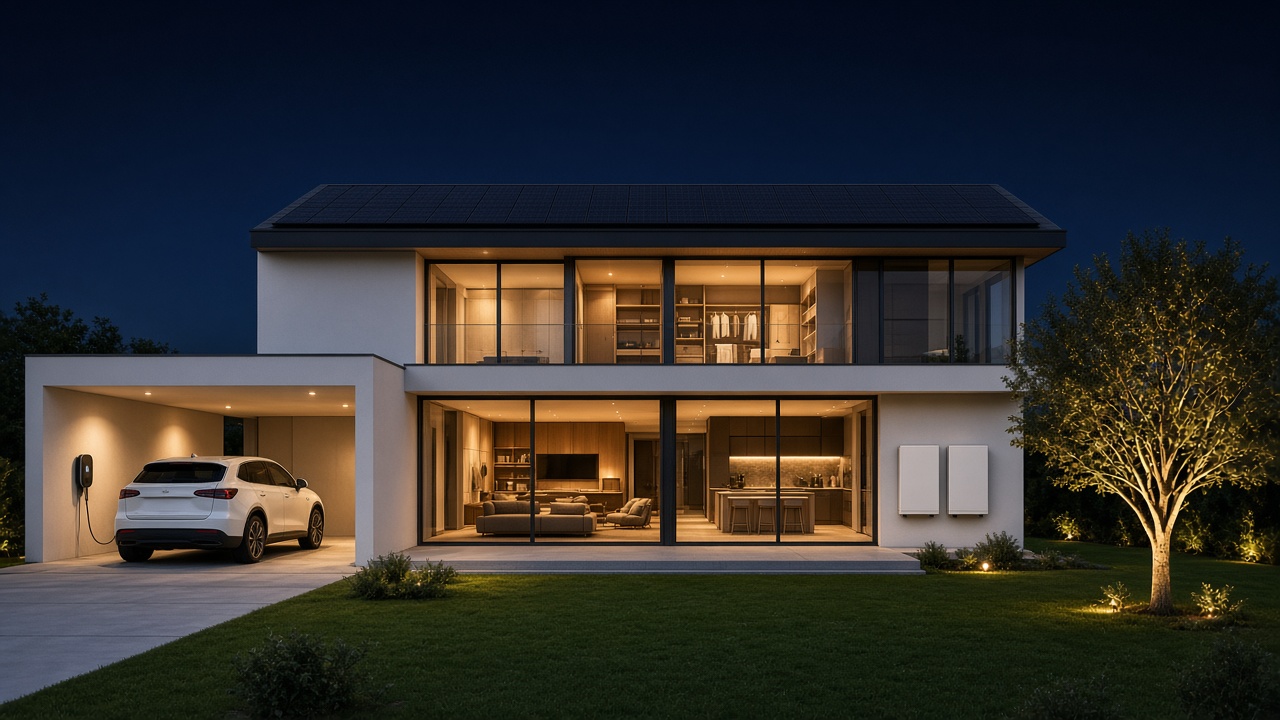
A whole-home Tesla energy system: Solar Roof, Powerwall storage, and Wall Connector charging. DES is a Tesla Certified Installer of these products.
Keep essential loads—or the whole home—running through outages with automatic islanding and a defined backup panel or gateway.
Store daytime production and discharge in the evening instead of exporting everything and buying it back at a worse rate.
Storms, wildfire shutoffs, and utility work stop being a scramble when storage is sized to the loads that actually matter.
Every Powerwall includes Tesla Home, powered by Opticaster. Set savings vs. self-consumption, hold Backup Reserve, and watch the day in the Tesla app.
Tesla Home
Tesla Home is Tesla’s home energy management system. It ships standard with every Powerwall and is powered by Opticaster, Tesla’s AI optimization software. DES installs and commissions the hardware so Tesla Home can run—we did not build Tesla Home or Opticaster.
Tesla Home comes standard in every Powerwall. When DES commissions your system, the Tesla app is part of closeout—not a separate product sale.
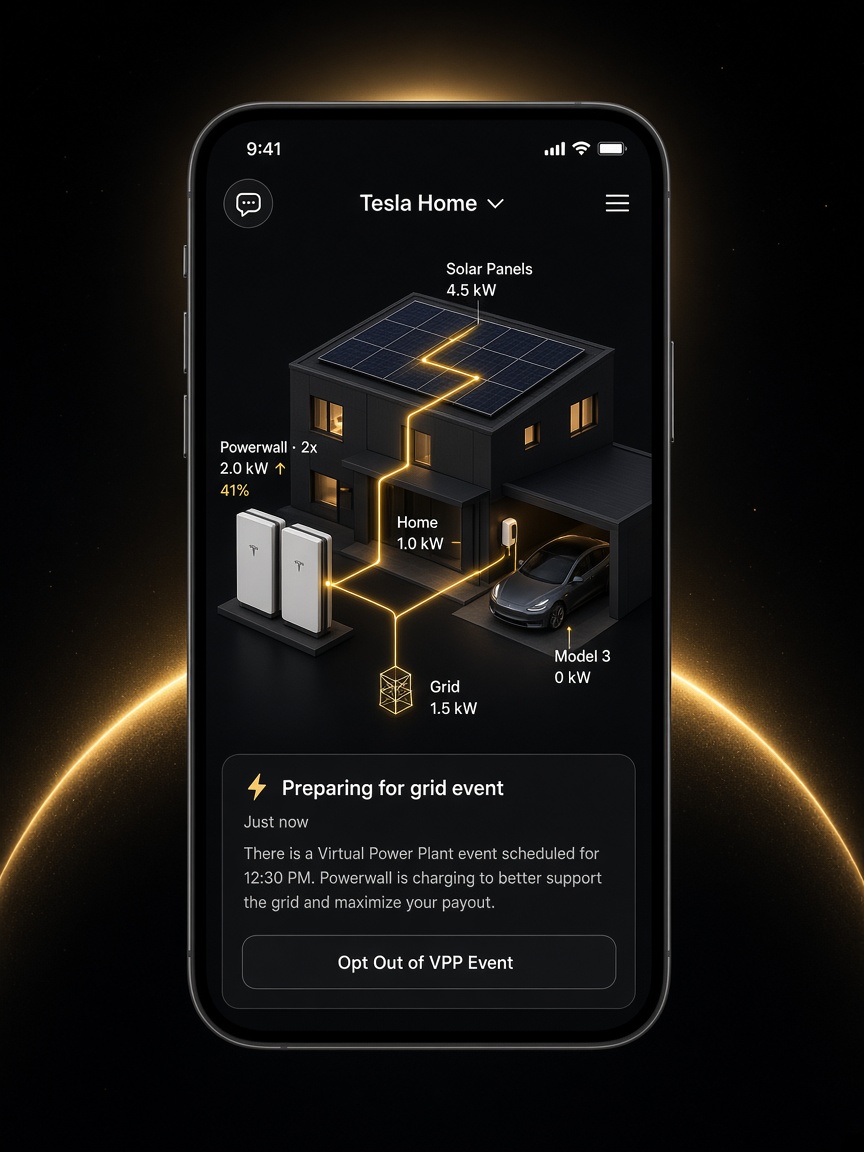
Where Tesla and the local utility offer a program, Powerwall owners can participate in Virtual Power Plant events in Tesla Home. The app can prepare for a grid event—charging the battery to support the grid and maximize payout—and you can opt out from Home Status. DES installs the system that enables this. Tesla operates Tesla Home, Opticaster, and VPP.
In the Tesla app, prioritize savings or solar self-consumption. Set Backup Reserve so a slice of the battery stays ready for outages.
Opticaster analyzes household usage, solar production, and utility prices, then times charging and discharge around that goal.
See the day as it unfolds—solar, battery, home load, grid, and the car. Change preferences anytime without a truck roll.
Live in the Tesla app
Tesla Home shows solar, home load, Powerwall, grid, and the vehicle as one picture. That app is Tesla’s—not a DES product. DES’s job is a Powerwall install that actually comes online in Tesla Home.
Where Tesla and the local utility offer a program, Powerwall owners can participate in Virtual Power Plant events in Tesla Home. The app can prepare for a grid event—charging the battery to support the grid and maximize payout—and you can opt out from Home Status. DES installs the system that enables this. Tesla operates Tesla Home, Opticaster, and VPP.
Install process
01
Usage, backup priorities, existing solar, panel space, and structural mounting. We flag upgrades before anyone orders hardware.
02
Quantity, backup strategy, interconnection, and a written scope. Combination systems (solar + charging) are designed together.
03
Mounting, electrical, gateway/backup equipment, and clean labeling—executed to Tesla Certified Installer standards.
04
Bring the system live, pair the Tesla app, confirm Tesla Home goals and Backup Reserve, and hand off a closeout package.
Who it’s for
FAQ
No. Powerwall can provide backup without solar. Pairing with solar is the usual path to self-consumption and longer backup duration—and it gives Tesla Home more to optimize.
Tesla Home is Tesla’s home energy management system. It comes standard with every Powerwall and is powered by Opticaster. DES installs and commissions Powerwall so Tesla Home can run. We did not build Tesla Home or Opticaster.
Yes. Service upgrades, backup load centers, and related electrical work sit in the same DES scope so you are not coordinating two contractors.
Where Tesla and your utility offer a VPP program, Tesla Home can prepare Powerwall for a grid event—charging to support the grid and maximize payout—and you can opt out in the app. Availability varies. DES installs the system; Tesla operates Tesla Home and the VPP.
That depends on what you want to back up and whether solar is charging the bank. We size from loads and goals—not a one-size default.
Quote
Share the site, backup goals, and timeline. A DES specialist follows up to confirm design assumptions. Tesla Home is included with Powerwall.